 Rug tufting field guides
Tools · Design transfer
How far away should a projector be for tufting?
Multiply the projected image width by the projector's throw ratio to estimate lens-to-cloth distance. Enter the width you need and the ratio listed in the projector manual or specifications.
Last reviewed: October 14, 2026.
Calculate lens distance
Formula: image width × throw ratio = approximate distance from the projector lens to the cloth. At the example values, 4 ft × 1.6 = 6.4 ft. The calculator does not account for lens shift, zoom range, focus limits, or room obstructions.
Read the ratio for your exact projector
Throw ratio describes the distance needed to produce a given image width. It is not the distance from the projector body, tripod, or rear panel; measure from the lens. If a projector lists a throw range, calculate both ends and check the manual's image-size and focus limits.
Do not use another model's ratio. A fixed ratio of 1.6:1 gives a 6.4 ft lens distance for a 4 ft wide image, but a different projector may need a different room position.
For image alignment and the pre-trace mirror check, follow the projector setup checklist.
KODAK Luma 150 specifications and limits
KODAK lists the Luma 150 with a 1.6:1 throw ratio, manual focus, and native resolution of 640 × 360. Its support material says it accepts some higher-resolution input formats, but the native image remains 640 × 360. That is below 720p, so it is a poor fit if your requirement is a 720p or sharper projected image.
Check KODAK's current Luma 150 product specifications and support and manual page before buying. The model's ratio makes it a concrete calculator example, not a general recommendation.
One optional projector listing
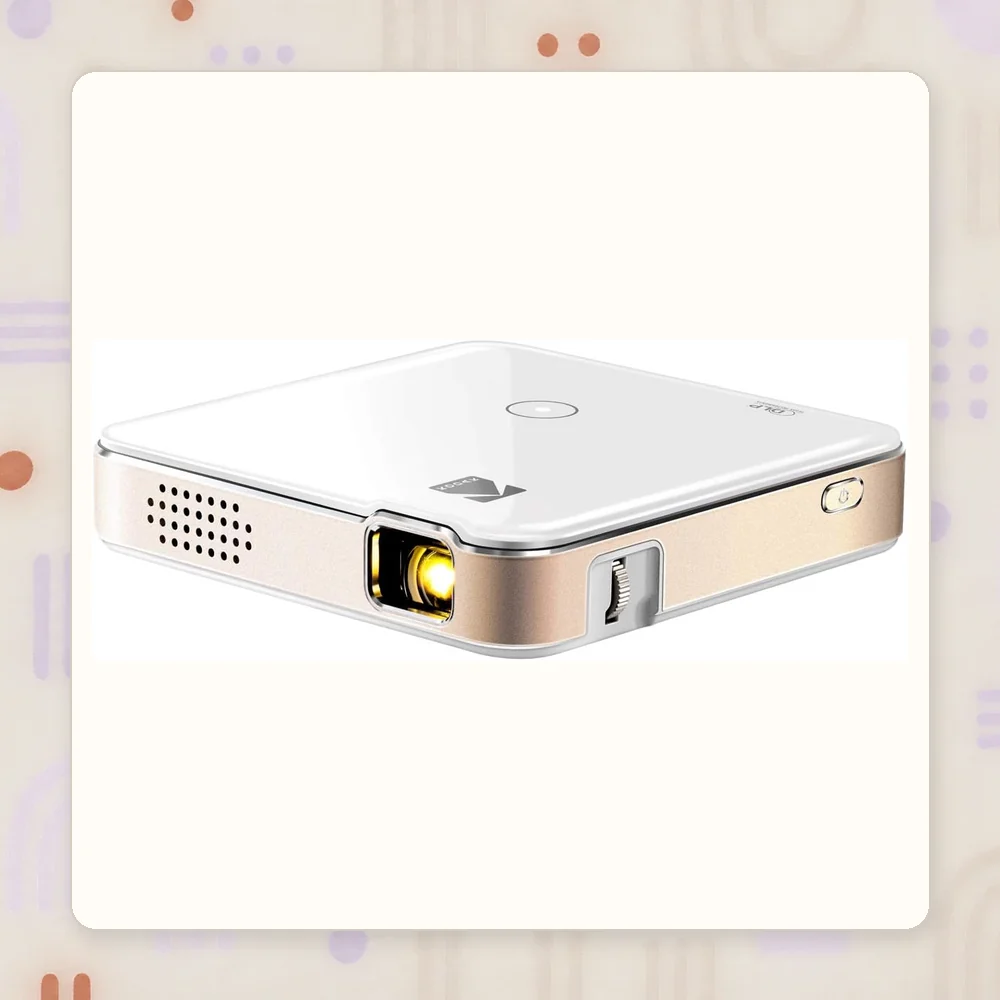
This existing listing is included as a spec-check example. Its native resolution is 640 × 360; check that limit against your design and workspace before considering it.
Optional tool
KODAK Luma 150 Ultra Mini Pocket Pico Projector
A compact design-transfer option with a 1.6:1 throw ratio.
- Throw ratio
- 1.6:1
- Native resolution
- 640 × 360
Check before buying: Native resolution is below 720p. Confirm the current listing, inputs, working distance, room conditions, and return terms.
Do you need a projector?
No. A projector is useful when tracing is slowing a design and the room gives you the image size and working distance you need. Freehand drawing, a paper grid, or a light table may be enough for a smaller design.
Before buying, confirm the lens distance, image width, native resolution, input support, focus range, room lighting, and return path. Keep this optional tool separate from the core first-rug setup.
Common questions
How far away should a projector be for a 4 ft wide image?
Multiply the image width by the projector's throw ratio. At a 1.6:1 ratio, a 4 ft wide image needs about 6.4 ft between the lens and cloth.
Is the KODAK Luma 150 at least 720p?
No. KODAK lists its native resolution as 640 by 360. Supported input formats do not change its native output resolution.
Do you need a projector to tuft?
No. It is an optional design-transfer tool; a grid or freehand drawing can be enough.
Sources and limits
The calculator uses the standard throw-ratio formula. KODAK specifications are linked above. It estimates lens-to-cloth distance and does not guarantee focus or usable brightness in a particular room. This page reports no hands-on projector test.